My old phone is now my home server
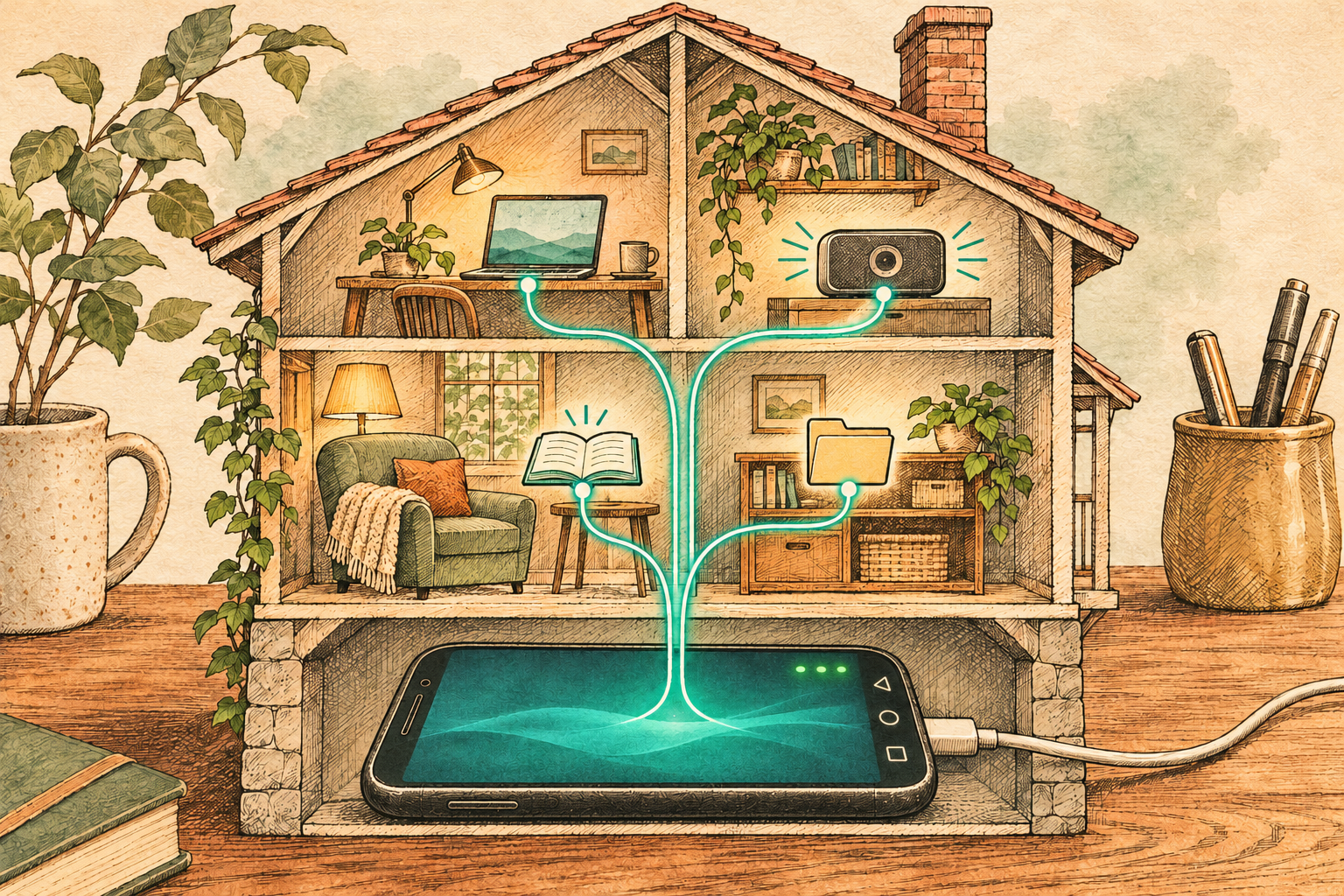
What I did
I had a Huawei Mate 20 Pro from 2018 lying in a drawer. Lovely phone, but it stopped getting updates in 2022, so I had to retire it. Now it lives in the same drawer, plugged in, and it is my home server. It streams my music and audiobooks to all my devices, keeps my folders in sync, watches my websites and my router, and reports to me on Telegram when something is down. All of it reachable from anywhere through a VPN, nothing exposed to the internet. No root, no custom ROM — the phone is as the factory made it, with a Linux app and a VPN app on top.
Why
Because in 2026 it is kind of the obvious choice. RAM prices went crazy, electricity is not cheap either, and a Raspberry Pi with a case, a power supply and a card costs more than it did five years ago. Meanwhile the drawer contains a device with 6 GB of RAM, 256 GB of storage, an 8-core CPU that was a flagship not so long ago, WiFi, Bluetooth, a built-in display for emergencies, and a battery. That last one is a UPS — my "server" survives a power cut for a day or two. Try that with a Pi.
Most of us have such a device. We just don't call it a server.
Power consumption
The phone itself needs about 0.2 kWh a month. This is measured: one charge is 11 Wh at the wall and it happens every 44 hours, plus 10% on top because right now I barely use the services. The funny part is the smart plug that protects the battery (see power management) — it burns around 0.5 kWh a month just for sitting on WiFi, more than twice what the phone needs. The guard uses more than the thing it guards. All together under 1 kWh a month, about 3 € a year.
For comparison, my real home server — an x86-64 box running TrueNAS SCALE — draws around 120 W all the time. That is close to 90 kWh a month, 100 times more than the phone. It does more, of course, but not 100 times more.
How
The hardware
Huawei Mate 20 Pro from 2018. Kirin 980 (8 cores), 6 GB RAM, 128 GB storage plus a 128 GB NM card (Huawei's own memory card format — it is just exFAT, more on that later). It got its last update in May 2022: EMUI 12 on top of Android 10. No SIM card in it.
The limitations are the interesting part:
- No root. Huawei stopped unlocking bootloaders in 2018. So no Docker, nothing on ports below 1024 (no DNS server, no "normal" Samba port), no kernel modules.
- Android 10 seccomp. Apps are not allowed to use newer Linux system calls. The fun part is that Android doesn't return an error — it kills the process. More on that below, it bit me three times.
- EMUI really, really wants to kill background apps.
- ~2 GB of free RAM after EMUI took its share.
- The card is exFAT — no symlinks, no file permissions, 2-second timestamps, and apps can write only to one folder on it.
- No PIN. With a lock screen Android keeps app data encrypted until the first unlock, so nothing would start after a reboot. The phone sits in a drawer and the VPN is the security boundary.
What is running on it
Everything runs inside Termux — a Linux userland for Android with its own package manager, no root needed. Services are supervised by runit (termux-services), so they restart when they crash and start after a reboot (Termux:Boot).
- sshd — my way in. Nothing else is ever touched on the phone screen.
- Navidrome — music streaming server, my own Spotify with my own MP3s. Speaks the Subsonic API, so there are plenty of apps for every platform (I use Symfonium on Android).
- Audiobookshelf — the same thing for audiobooks and podcasts, with progress sync between devices. There is no Termux package, so it runs from its official container image under
proot-distro— a chroot, not Docker. - Syncthing — keeps folders in sync between my devices without a cloud. The phone is the always-on peer.
- Samba — a network drive on port 4445, so I can drag music to it from Finder.
- Gatus — uptime monitoring. Checks the services on the phone, my router, my NAS, my websites and the internet, and yells at me on Telegram when something is down.
- Tailscale — mesh VPN. All services are reachable from anywhere as
mate20:<port>, and nothing is exposed to the internet. - Charge guard — a shell script that keeps the battery between 20 and 80% by switching a smart plug. See power management.
- Nightly backup — a tarball with all configs and databases lands on my Mac through Syncthing.
All of that uses under 500 MB of RAM. The CPU is idle.
How I did it
ADB from the Mac for the Android part: install Termux from F-Droid, remove Huawei's PowerGenie (the background app killer), whitelist Termux from Doze. Then SSH for everything else. Every config lives in a git repo on the Mac and is pushed to the phone with a script, so when the phone dies I can rebuild it on the next one.
Full disclosure: most of the typing was done by Claude Code over SSH. It did the heavy lifting — research, scripts, configs, debugging — and I was in an advisory and supervisory role.
Challenges
Your phone will have different ones. These were mine.
EMUI kills everything. The first test was: does Termux survive 48 hours with the screen off, including a reboot nobody touches? It did — but only after removing PowerGenie, setting "App launch → manage manually" for Termux, and locking it in recents. Also: EMUI drops ICMP when the screen is off, so ping says the phone is dead while SSH works fine. Never use ping to monitor a phone.
Seccomp kills the rest. Samba crashed on every connection — Android 10 doesn't know the openat2 system call and kills the process instead of returning an error, so Samba's own fallback never runs. Navidrome's scanner died the same way on statx. Even pkill dies. The recipe: logcat | grep SYS_SECCOMP shows which syscall, then either find a config switch (Samba has one) or run the program under proot, which turns the forbidden syscalls into harmless errors. Costs a bit of CPU, nobody notices.
exFAT. One file with an emoji in the name (🙏) aborted a 20 GB copy — the kernel's exFAT driver cannot write such names. Then half of my album covers were missing: exFAT stores timestamps in 2-second steps, but reports the exact time until the file drops out of cache. Navidrome saw the timestamp "change" and refused to serve the cover. Fix: round every timestamp to an even second when copying.
The reboot nobody can explain. Building Gatus on the phone made it hard-reset itself a few seconds after go build started. No panic, no thermal message, nothing. A CPU stress test on all 8 cores passed, so it was not the battery. I gave up and now cross-compile on the Mac (GOOS=android GOARCH=arm64). Then the cross-compiled binary couldn't resolve DNS, because Android has no /etc/resolv.conf. proot again.
Self-inflicted. I started Samba with --no-process-group. On restart it sent SIGTERM to its process group — which was the supervisor and every other service. Lesson: before touching anything that can take sshd down, open a second sshd on another port.
Power management
The phone is always on the charger, which is the worst thing you can do to a battery. So: a smart plug with a local HTTP API between the charger and the wall (I use a Shelly Plug S, popular in Europe; any Tasmota or Kasa plug would do), and a script on the phone that reads the battery level every minute and switches the plug on at 20% and off at 80%.
The interesting part is the fail-safe. Every "off" command carries toggle_after=600 — the plug turns itself on after 10 minutes unless the script renews the timer. If the script, Termux, WiFi or the phone dies, the plug comes back on by itself. Worst case of any failure is "charges to 100%", never "drains to 0%".
Numbers: with all services running and the screen off the phone discharges about 1.4% an hour. That is one 38-minute charge every 44 hours, 11 Wh at the wall, battery at 31 °C. Roughly 120 full cycles a year, so the battery should last a few more years.
Update strategy
Check automatically, apply by hand. A blind pkg upgrade at night could pull in a binary with a new system call, and seccomp would kill a service with nobody watching.
- Weekly a script compares installed versions with Termux, GitHub and F-Droid, and sends me a Telegram message only when the list of pending updates changes.
- Monthly I run an interactive script from the Mac: backup sshd on a second port, config backup, snapshot of the whole Termux prefix for rollback,
apt full-upgrade, restart services one by one, then verify — every service up for 60 seconds, every Gatus check green, no new seccomp kills in logcat. - Android itself will never be updated again. That is why the phone is not reachable from the internet, only through Tailscale.
If you want to do this with your phone
- Root is not needed, but a locked bootloader decides what you can't do. Check first.
- Before installing any service, check that Termux itself survives 48 hours with the screen off, unplugged for a while, and a reboot nobody touches. Every vendor has its own background app killer, and finding it with a bare shell is easier than with five services on top.
- Put configs in a repo on day one. The phone will die eventually.
- Monitor with TCP, not ping.
- Get a smart plug. A phone at 100% on a charger for a year is a spicy pillow.
Just dreaming
Look at the list of challenges again. Almost all of them are Android 10 and EMUI fighting me: the seccomp kills, the app killer, the ICMP games, the single writable folder on the card. None of them is the hardware. The hardware is great. The kernel is from 2019 and the last security patch is from 2022, and I'm not allowed to change that, because the bootloader is locked and the company that locked it has no interest in this phone anymore.
Imagine the rule was different: when a manufacturer stops updating a device, the bootloader unlocks. Not before — I understand the arguments about security and warranty while a device is supported. After. Then I could install something like Nura — a real Linux distribution for phones, built on Alpine, with a current kernel, real packages, Docker if I want it, and security updates for as long as the community cares. The same device, but a proper server instead of a server that has to hide from its own operating system.
There are millions of such phones in drawers. The RAM and the storage are already paid for and already manufactured. We just need to be allowed to use them.